Your meal.
A change of scenery.
Keep your own food and table in view, with a photographic landscape around you.
 TableAwayby ARnocular
Mixed reality for your real table
Bring a change of scenery to meals, handwriting and sketching. TableAway surrounds you with photographic 360-degree places while your real tabletop stays in view.
Private beta available by request.
Submitted for Meta Store review.
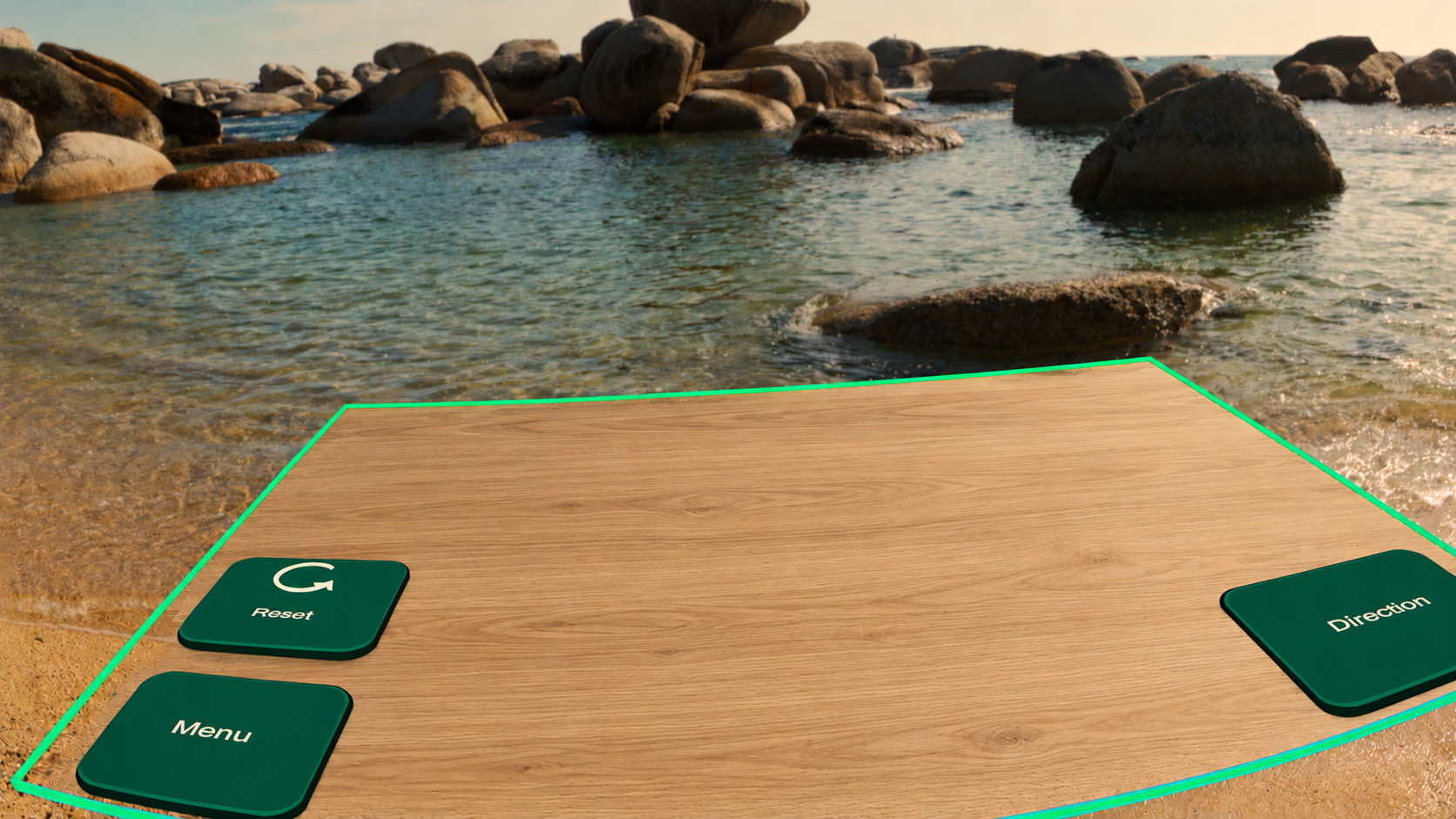 A familiar table. A fresh view.
01 / Three launch environments
02 / Free permanently
03 / All core tabletop controls included
A little change of scene
Keep your own food and table in view, with a photographic landscape around you.
Use your physical notebook for handwritten notes or a page of ideas.
Bring your own sketchbook and pencils to the same familiar table.
TableAway does not digitize handwriting or provide drawing tools.
The free launch collection
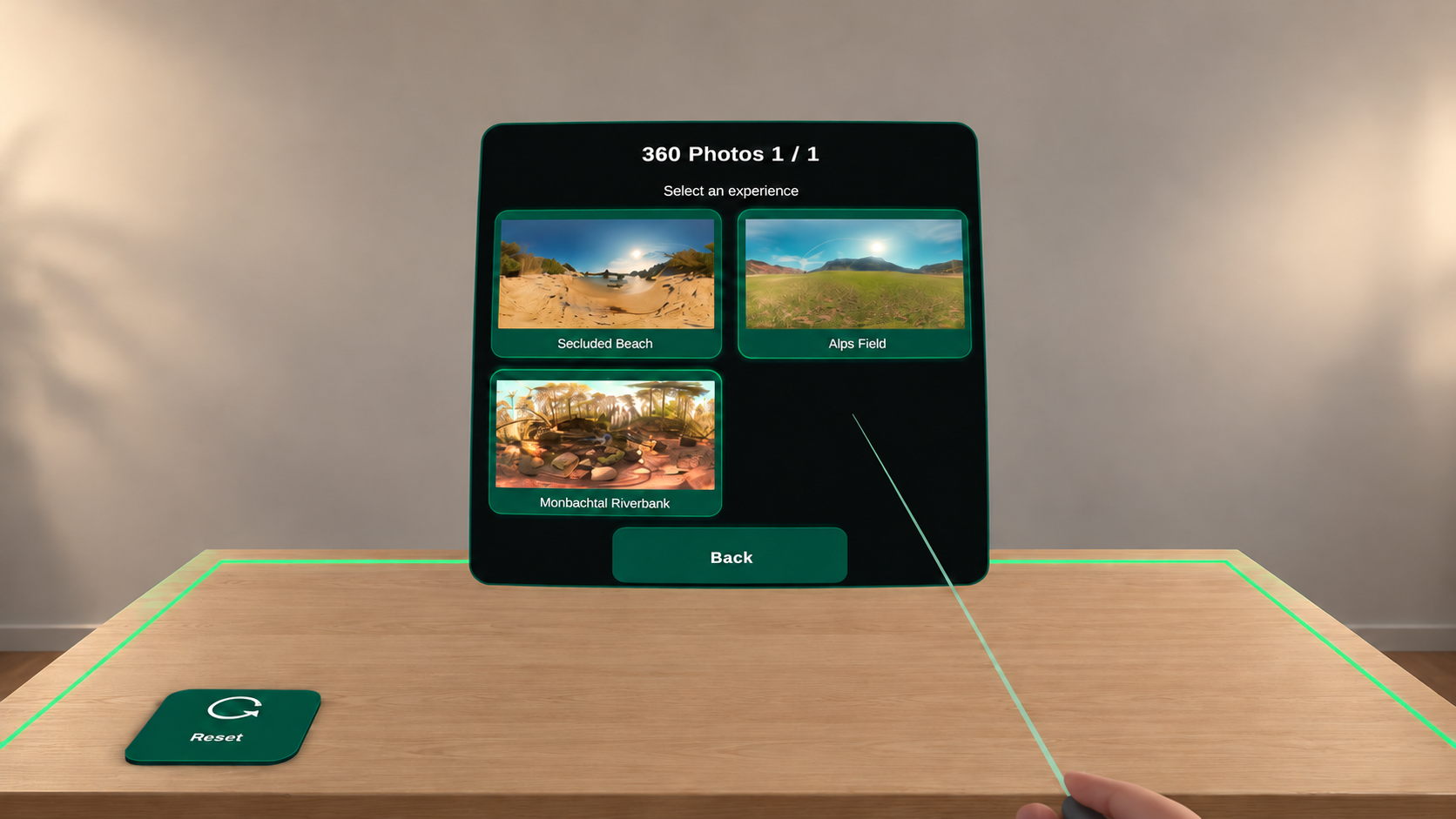
The free launch collection includes three photographic still environments, with unlimited use and all core tabletop controls.
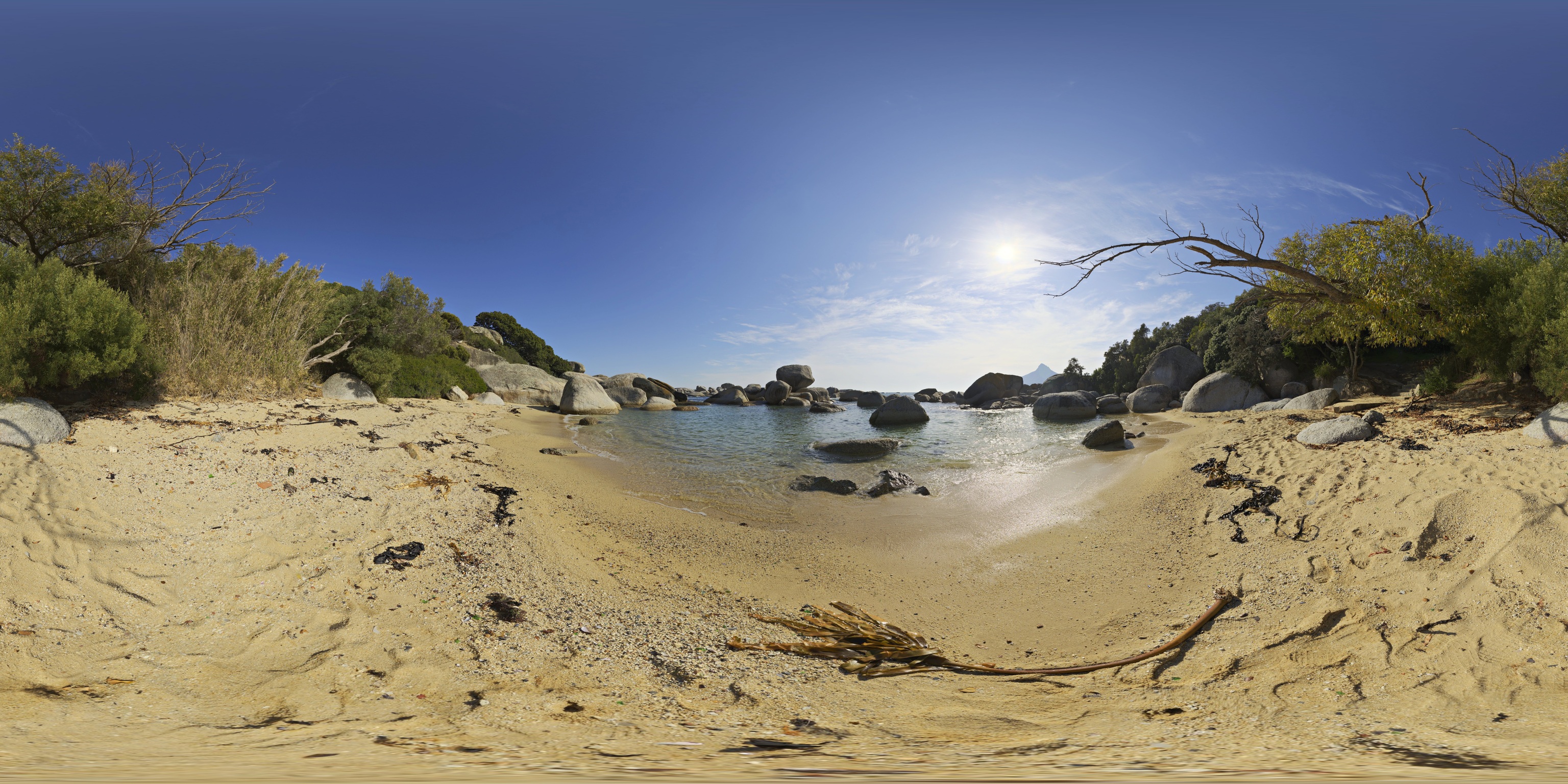
Sunlit sand, shoreline rocks and open water.
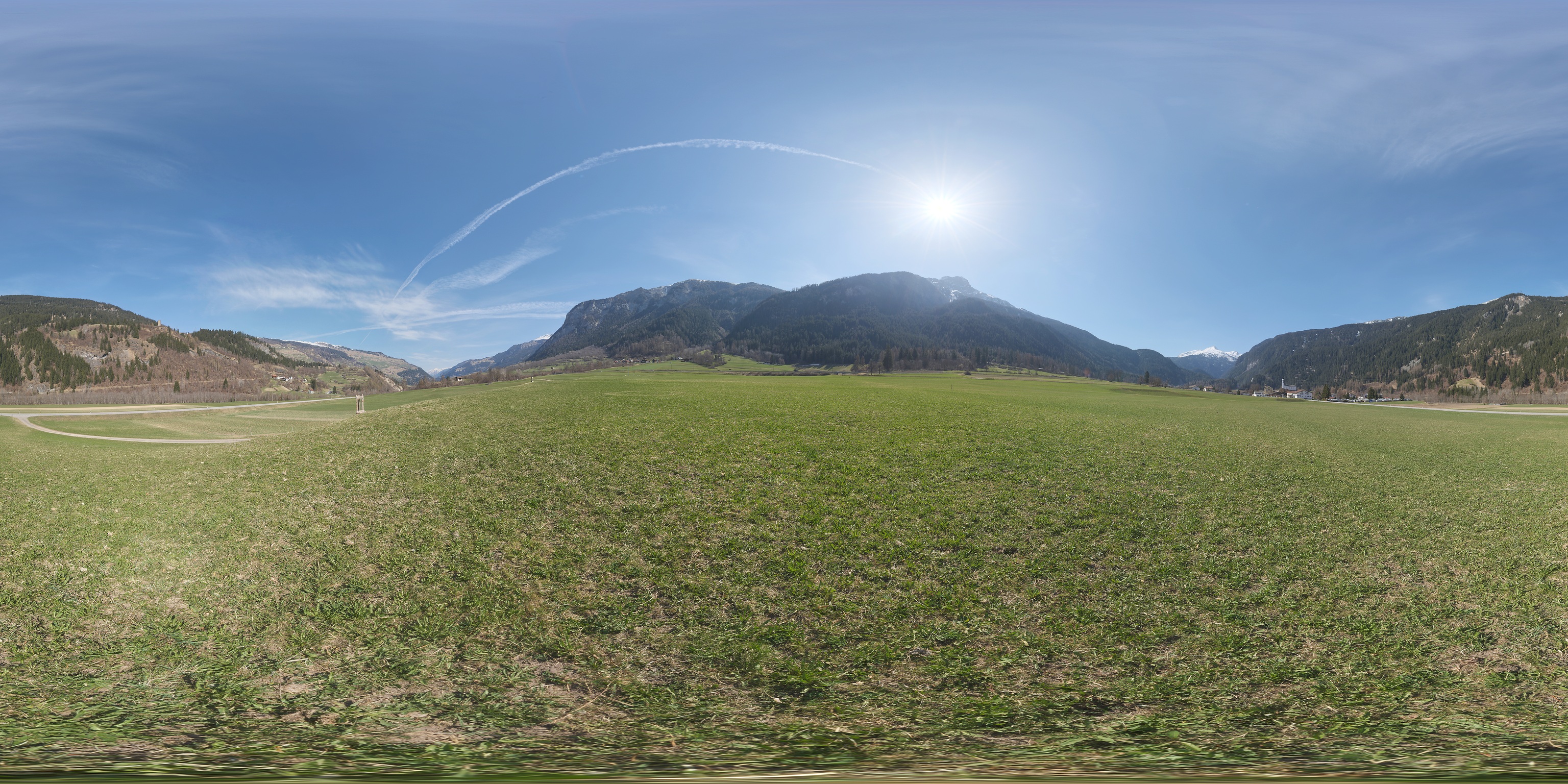
An open green field framed by mountain slopes.
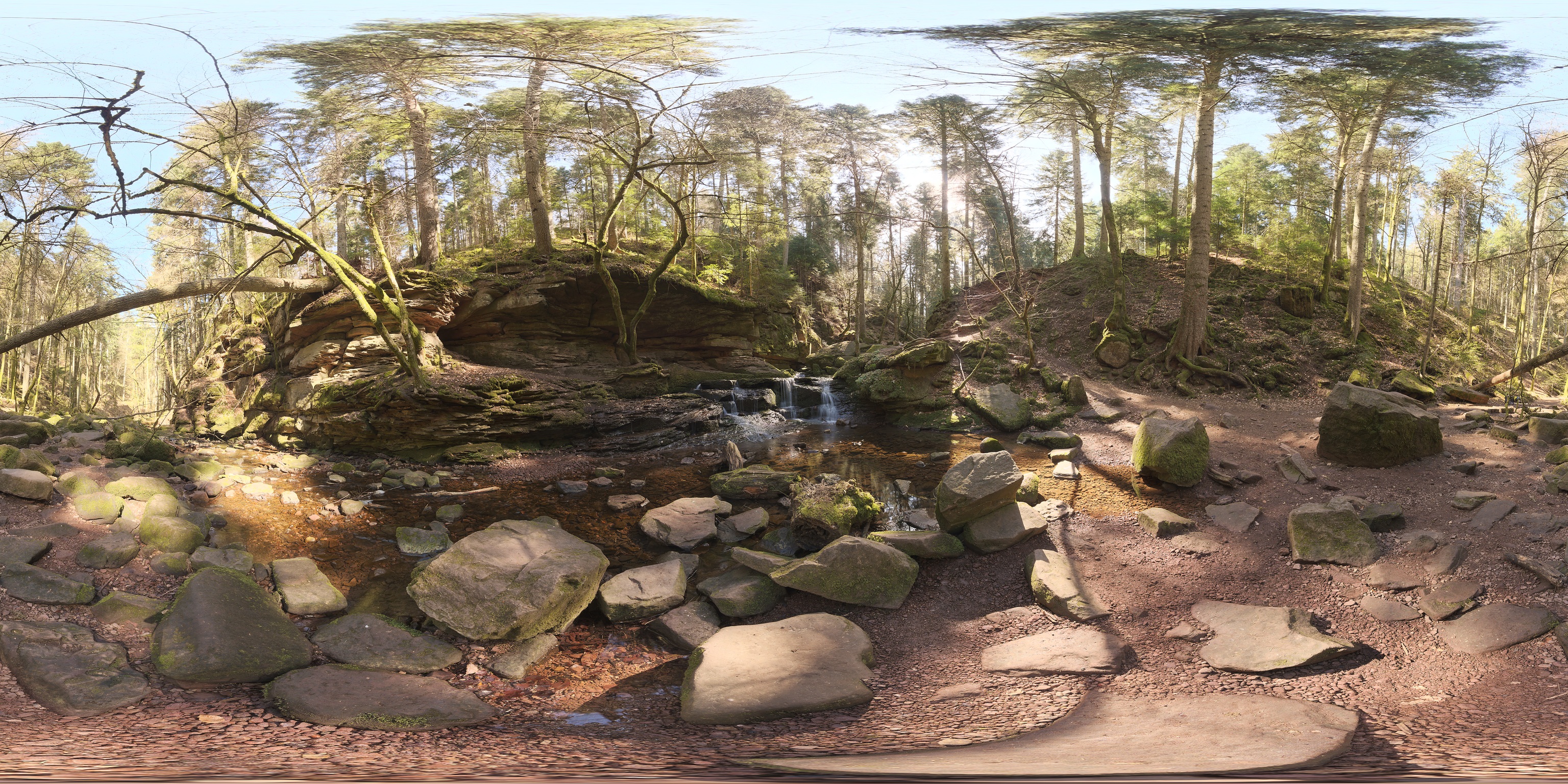
A wooded riverbank, mossy rocks and a forest stream.
Photographic environment previews, shown as panoramas; not headset captures. These are 360-degree still photographs, viewed at a fixed 1× scale. The scenery is not an animated or interactive 3D world.
Simple, seated, hands first
Sit at your real rectangular table, confirm your forward direction and follow the setup prompts to review the tabletop outline.
Use hand tracking and pinch/tap controls to select an environment from Menu.
Keep your physical meal or paper in front of you. Direction changes the surrounding view; Reset starts setup again.
What you need
Meta Quest 3 or Quest 3S
A stable rectangular table and a seated position. Hand tracking is used for setup and controls. Bring your own food, notebook or drawing materials.
The launch photographs are included on the headset and can be viewed offline after installation. Getting beta access and installing the app requires an internet connection.
It is available through a private beta with manual access approval. The public Store release has been submitted for review; approval is pending. Contact us to request access.
Secluded Beach, Alps Field and Monbachtal Riverbank are the three permanently free launch environments. Unlimited use and all core tabletop controls are included. Availability through the private beta may differ from the launch collection while builds are being updated.
No. The three launch environments and core tabletop controls are free. There is no subscription checkout in this launch offer.
The three launch photographs can be viewed offline once the app is installed. Internet is needed to get access and install the app.
This launch is designed around meals, physical handwriting and sketching. It does not provide computer-work tools, digital handwriting capture or digital drawing.
The table and gallery illustrations use AI-assisted reconstruction to protect the original room’s privacy. They explain the experience; they are not unedited gameplay screenshots. The three environment previews show the photographic scenery itself.
A new place at your table
Interested in trying TableAway? Request private beta access and tell us which Quest headset you use.
Request beta accessAlready approved? Open the beta invitation ↗Access is manually approved. A Meta sign-in may be required; this is not a public Store download.